NCWCOM Help Center
We’re Here To Help You!
Frequently Asked Questions
At NCWCOM, we’re not just selling internet; we’re supporting the businesses that keep our communities strong. We provide real solutions for mom-and-pop shops to regional operations. See below how we make a real difference for our business customers.
General FAQs
-
Step 1: Unplug the router’s power supply & power supply box. Wait at least 30 seconds. Plug in the power supply box & make sure the light on it is green.
Step 2: Wait at least 60 more seconds, then plug in the router’s power supply. Turn the power button on if your router has a power button.
Step 3: Wait at least 3 minutes before testing or using the devices. If you continue having issues, please call us at (440) 647-5626.
-
If the tower is visible from your location there is an extremely good chance we can provide service to you. Most towers also have some ability to work in non-line-of-sight conditions, but this must be determined on an individual basis.
When you contact us we will work with you to schedule a convenient installation time and will check the signal at that time. In the event that we are unable to locate a usable signal, there is no charge or future obligation.
We will occasionally have a situation where the signal is marginal at the time of installation. In this event, we may decline service or (after consulting with the customer) install service with the provision that if we are unable to keep the service working acceptably we will refund the install fee and cancel service without early termination charges.
-
Yes! To ensure we can work on the property without issues, you just have to download and print the Landlord Consent Form so the owner of the property can sign it.
Wireless: Property Owner Consent Form
Fiber: Property Owner Consent Form
-
If you move and are still within our service area, we will move your service/equipment for a $50 charge.
-
Installation typically takes 1–2 hours, depending on the complexity of the setup. An adult must be present during installation to approve the placement of both the outside equipment and the inside router placement.
For wireless installations, this includes mounting the antenna at an appropriate location on the building, running exterior cabling to a surge suppressor, running the cable into the home, and connecting the cabling to a router.
For fiber installations, a fiber optic cable is run either underground or aerially to the home, connected to a surge suppressor mounted on the exterior, and then routed inside to the router.
Note: We make every reasonable effort to route all cabling as neatly and discreetly as possible.
-
Nope! No phone line is necessary.
-
In the portal you will be able to view your billing and payment history and make a payment.
There are 2 ways to access the portal:
Go directly to the link: https://myaccount.ncwcom.com/login
Go to the NCWCOM website: https://www.ncwcom.com/ and then click the button “Make a Payment”
NOTE: All payment methods will be marked as “auto” pay, and the card or electronic check will be processed on the 1st day of every new month. If you prefer to make your payments on another day during the month, please uncheck the “auto” pay box in the portal.
Then, insert the following information:
Login ID: YOUR ACCOUNT NUMBER
Password: YOUR ACCOUNT NUMBER-LAST NAME
EXAMPLE: Account #123456 and customer's last name is Smith
User ID: 123456
Password: 123456-Smith (No spacing; must use the dash; the first letter of last name must be capitalized)
-
Billing FAQs
-
You can pay online on our website, mail in a check, bring in a check, cash, or card, call us and we can charge the card we have on file, or we can set you up with automatic billing.
With automatic billing, you give us the card you’d like to have charged and on the 1st of every month, the card will be charged, leaving the internet paid for the month.
-
In the portal you will be able to view your billing and payment history and make a payment.
There are 2 ways to access the portal:
Go directly to the link: https://myaccount.ncwcom.com/login
Go to the NCWCOM website: https://www.ncwcom.com/ and then click the button “Make a Payment”
NOTE: All payment methods will be marked as “auto” pay, and the card or electronic check will be processed on the 1st day of every new month. If you prefer to make your payments on another day during the month, please uncheck the “auto” pay box in the portal.
Then, insert the following information:
Login ID: YOUR ACCOUNT NUMBER
Password: YOUR ACCOUNT NUMBER-LAST NAME
EXAMPLE: Account #123456 and customer's last name is Smith
User ID: 123456
Password: 123456-Smith (No spacing; must use the dash; the first letter of last name must be capitalized)
-
We accepts these forms of payment:
Credit Card
Checking Account
Paper Check
Cash
-
Our billing occurs every 1st of the month. For example, if you were to receive an invoice for July 1st, you will be paying for July’s service. Invoices are usually sent out a few weeks in advance and all bills are due on the 1st of every month.
We do not offer any alternative payment time periods.
-
Yes, we send an invoice for your monthly bill 21 days before it is due. We will also send email, text, and automated calls periodically to remind individuals about their past due bills.
-
We understand sometimes things happen, and are always willing to work with customers who need help.
However, if payment is past due and there has been no prior agreement established between the customer and us, we will shutdown services until a payment is received.
Internet Services FAQs
-
If the tower is visible from your location there is an extremely good chance we can provide service to you. Most towers also have some ability to work in non-line-of-sight conditions, but this must be determined on an individual basis.
When you contact us we will work with you to schedule a convenient installation time and will check the signal at that time. In the event that we are unable to locate a usable signal, there is no charge or future obligation.
We will occasionally have a situation where the signal is marginal at the time of installation. In this event, we may decline service or (after consulting with the customer) install service with the provision that if we are unable to keep the service working acceptably we will refund the install fee and cancel service without early termination charges.
-
Yes! To ensure we can work on the property without issues, you just have to download and print the Landlord Consent Form so the owner of the property can sign it.
Wireless: Property Owner Consent Form
Fiber: Property Owner Consent Form
-
For wireless services, radio equipment will be placed where we can get the best signal from our tower (usually on your roof). Then, a cable is ran from that equipment into your home where it can be plugged into a router or PC/Laptop.
For fiber services, a cable is ran from a utility pole to your home, where it can be plugged into a router or PC/Laptop.
-
We suggest testing your speed with our “Speed Test”, which can be found at this link: speedtest.ncwcom.com.
When testing your speed, you first need to ensure that your router is up-to-date and performing correctly because it does not matter how much internet NCWCOM provides to the house if the router is not properly distributing the internet throughout the house. Once you have ensured that your router is giving a high-quality performance, we suggest you connect a device to the router directly with an ethernet cord, so that you are getting the most accurate test results.
After you have connected your device, you may now select our “Speed Test” link and click “Start”. While speeds may vary a little throughout the day, if your speeds are extremely different from what your plan’s speeds are meant to be, then please call us.
-
Not normally. Unlike Satellite, our wireless signal is broadcast from towers within approximately 10 miles of your location. Given the short distances, the signal is not significantly affected by rain, snow, or fog. Very heavy wind or ice may cause service issues but this is rare.
As for our fiber services, there is zero weather interruption concerns as it is a physical cable providing the internet service.
-
Whether you are receiving our internet via wireless or fiber services, a physical cable is ran into your home which provides the internet. If you’d like the internet to be wireless and accessible to wireless devices, you would need to have a router. You may use your own router or one of our commercial grade routers.
-
The difference is based on equipment availability at different towers and the abilities of that equipment. We may only offer the packages/services that the equipment on each tower is capable of supplying.
This is why extreme & enhanced services are offered at different locations and have different speeds.
-
We have over 50 towers and access locations across 6 counties in North Central Ohio. Please give us a call to see if we can get you service!
-
The basic difference between fiber optic and wireless broadband is the way that each connection transmits data.
Fiber optic cables work by converting data into a light that passes through a cable and then changes back to its original form when it reaches its destination. This fiber optic cable is ran from a utility pole to your building.
Wireless broadband transmits data using electromagnetic waves for broadcasting. These waves are transmitted between a tower and a radio. The radio is mounted on your building or a pole mount in the yard.
-
Though fiber optic has a greater capacity for larger speed output, that does not me it is “faster” than wireless.
Also, with new 6GHz wireless equipment, wireless speeds are beginning to match fiber’s output speeds. See our wireless internet page to see what our current wireless packages are capable of.
-
While fiber does have its advantages, wireless internet does still have certain advantages over fiber. Here’s three reason why you should choose our wireless services over other’s fiber service:
Wireless’s greatest strength is its availability and mobility. There is almost no location that can’t support a wireless internet connection, whereas fiber is more limited geographically.
With our new 6GHz wireless equipment, wireless speeds are beginning to match fiber’s speeds.
On top of getting great internet, you will be getting amazing local customer service with affordable prices.
-
We provide fiber services throughout the Village of Wellington, as well as in specific parts of Wellington Township and the Fitchville, Olena, and Hartland areas.
Other Services FAQs
-
Yes, SFN TV Now is a live TV streaming service.
-
Yes! SFN TV Now offers all the basic DVR features/functions that you’re used to. Some of those features are, but not limited to: guide, recording, favorites, jump to start of a channel, and etc.
-
SFN TV Now is available on these devices: Roku 3 & Higher, Roku TV's, IOS devices, android devices, and available on your PC.
-
There is a max of 5 devices per SFN TV Now account.
-
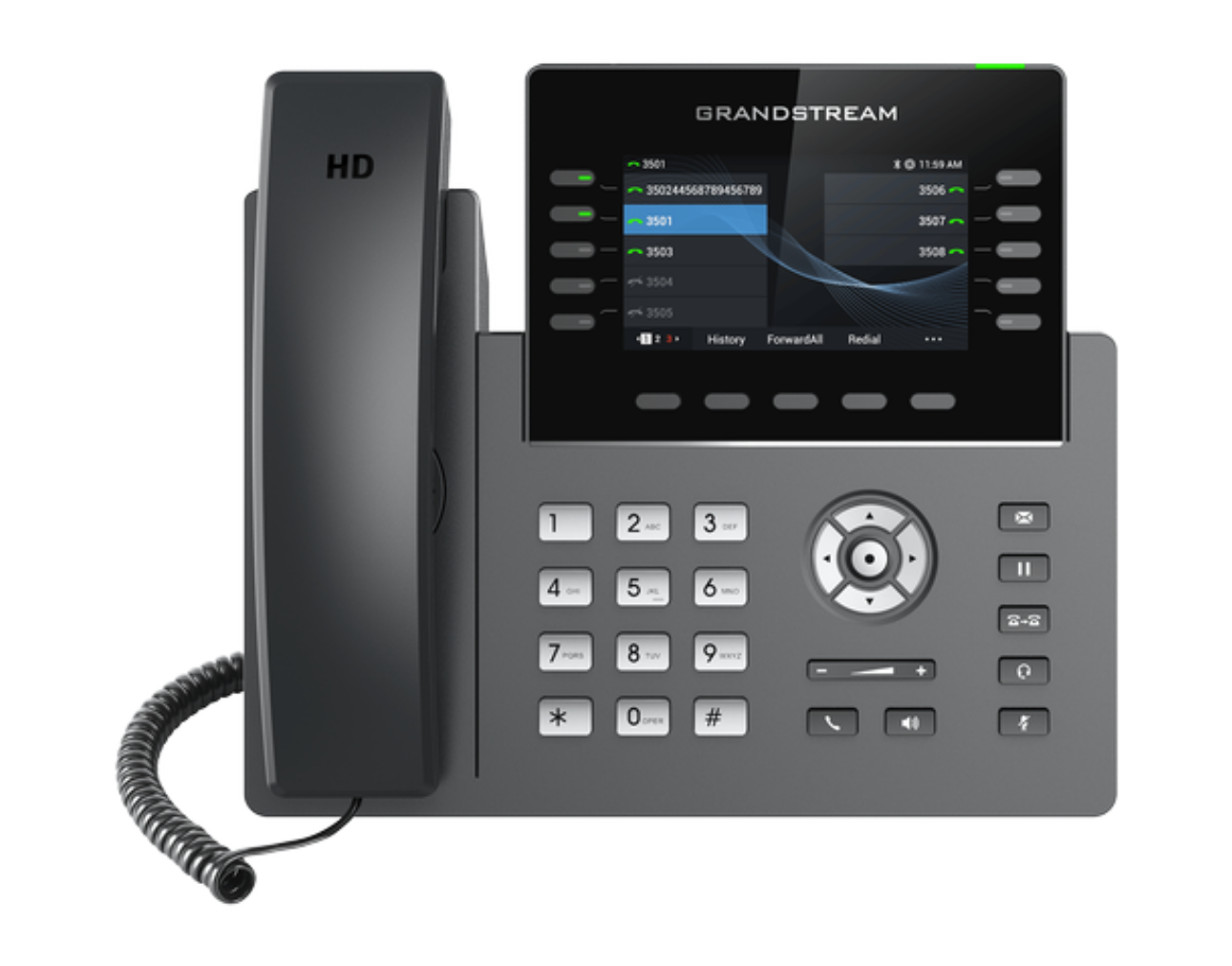
VoIP (Voice over Internet Protocol) uses an internet connection to make calls; offering lower costs, high flexibility, and advanced features like video conferencing. Whereas traditional landlines use copper wires for fixed-location analog service.
-
To get to your voicemail, all you have to do is dial *98.
-
Yes, you can use your current home phone with our digital phone system. And yes, we can also port & transfer your current phone number to our digital phone system.
-
No, a VoIP digital phone system requires an internet connection and a power source. However, an emergency backup battery pack can help prolong your phone service in an emergency situation.
Find the latest information on system maintenance, service alerts, and outage recovery efforts. Our team is dedicated to keeping you connected and informed every step of the way.
Alerts/Outages
Current & Past Announcements
-
Update: SFN notified us that all channels have been restored as of 4:44 PM on 9/24/26. Again, we appreciate everyone’s patience while SFN resolved this issue. Thank you.
Details: SFN TV Now has reported an outage at 1:23 PM that is affecting roughly 16 channels. SFN is working to resolve this issue. We are sorry for any inconvenience this may cause you.
Affected Channels:
DIY 1403, FUSE 1501, CATHOLIC 1551, ESPN 1601, ESPN2 1602, ESPN-U 1604, CBS SPORTS 1607, PURSUIT 1610, BIGTEN 1616, BIGTENALT 1619, BIGTENALT2 1625, BEIN 1630, BEIN-ESP 1632, BIGTEN2 1635, STRIKEZONE 1698, HALLMARK MOVIES 1749Day Posted: 9/23/26
Time Posted: 1:40 PM
-
Update: All services have been brought back online as of 2:59 PM the same day.
Details: We are currently experiencing a service outage affecting customers on Liberty Lane, Heritage, and Patriot Drive in Wellington, Ohio.
Our crew is being dispatched to the area to evaluate the situation and determine the cause of the outage. We will work to have service restored as quickly as possible and appreciate your patience while we resolve this issue.
We will provide an update as more information becomes available.
Day Posted: 9/22/26
Time Posted: 1:40 PM
-
Update: As of 12:10 PM, the issue has been resolved and we can once again process payments.
Details: Currently, our third-party payment processor is experience technical issues and is working to resolve them. In the meantime, we will not be able to process any payments. We are sorry for any inconvenience that this may cause. Please return to this page for future updates.
Day Posted: 8/11/26
Time Posted: 9:30 AM
-
Update: We were able to switch out a piece of failed equipment and restore the LaGrange tower to full functionality. This was completed by 2:32 PM today. If you are in the LaGrange area and still experiencing service issues, please contact NCWCOM.
Details: We are currently experiencing an issue at our LaGrange tower site and have dispatched an emergency response team to evaluate and resolve the problem as quickly as possible. Customers in the LaGrange area may experience service interruptions while repairs are underway. We will provide updates as soon as more information is available. Thank you for your patience and understanding as we work to restore service.
Day Posted: 7/2/26
Time Posted: 9:10 AM
Questions, comments, or just need a hand? We are here for you. Reach out by phone, email, or through our online form and we will be happy to help.
Contact Us
For Support: support@ncwcom.com
For Information: info@ncwcom.com
Phone: (440) 647-5626
Address: 143 Erie Street, Wellington, Ohio 44090
Get in Touch!
Office Hours
Monday-Friday: 9:00 am to 5:00 pm
After-hours support calls are forwarded to our 24/7 call center where service issues can be addressed and/or a technician can be dispatched if required.
Support After Hours
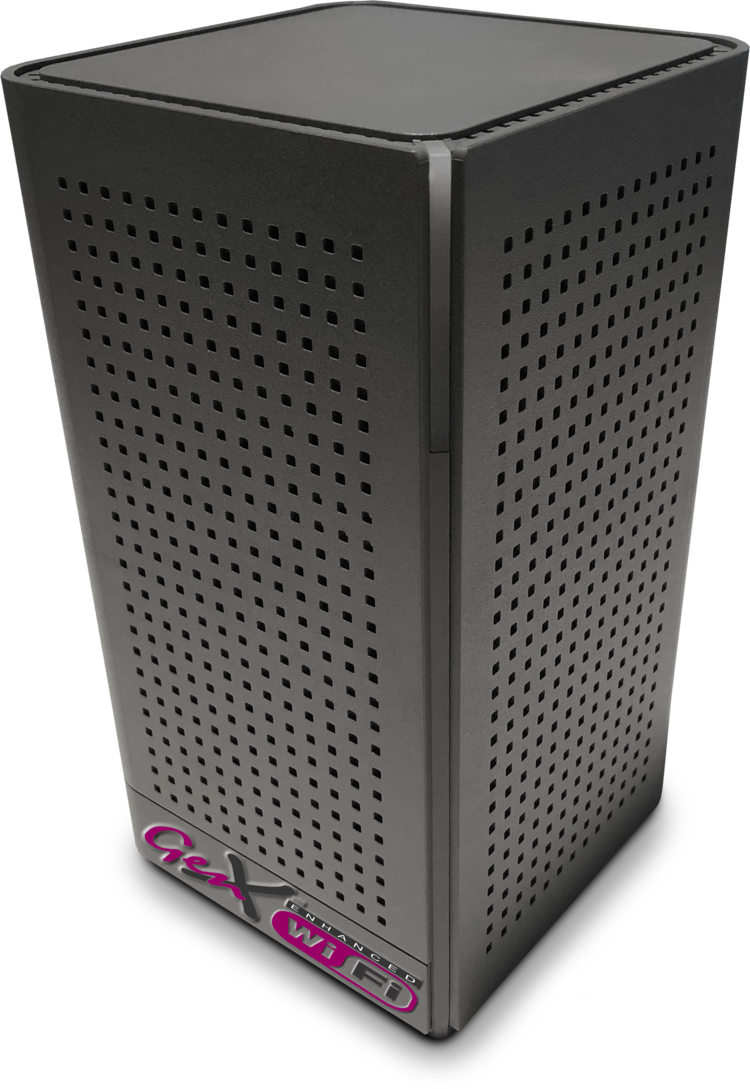
Boost your NCWCOM experience with our add-on services. Choose Digital Phone, Enhanced Managed Wi-Fi, or SFN TV NOW for reliable connectivity, entertainment, and convenience every day.
Need More Than Just Internet?